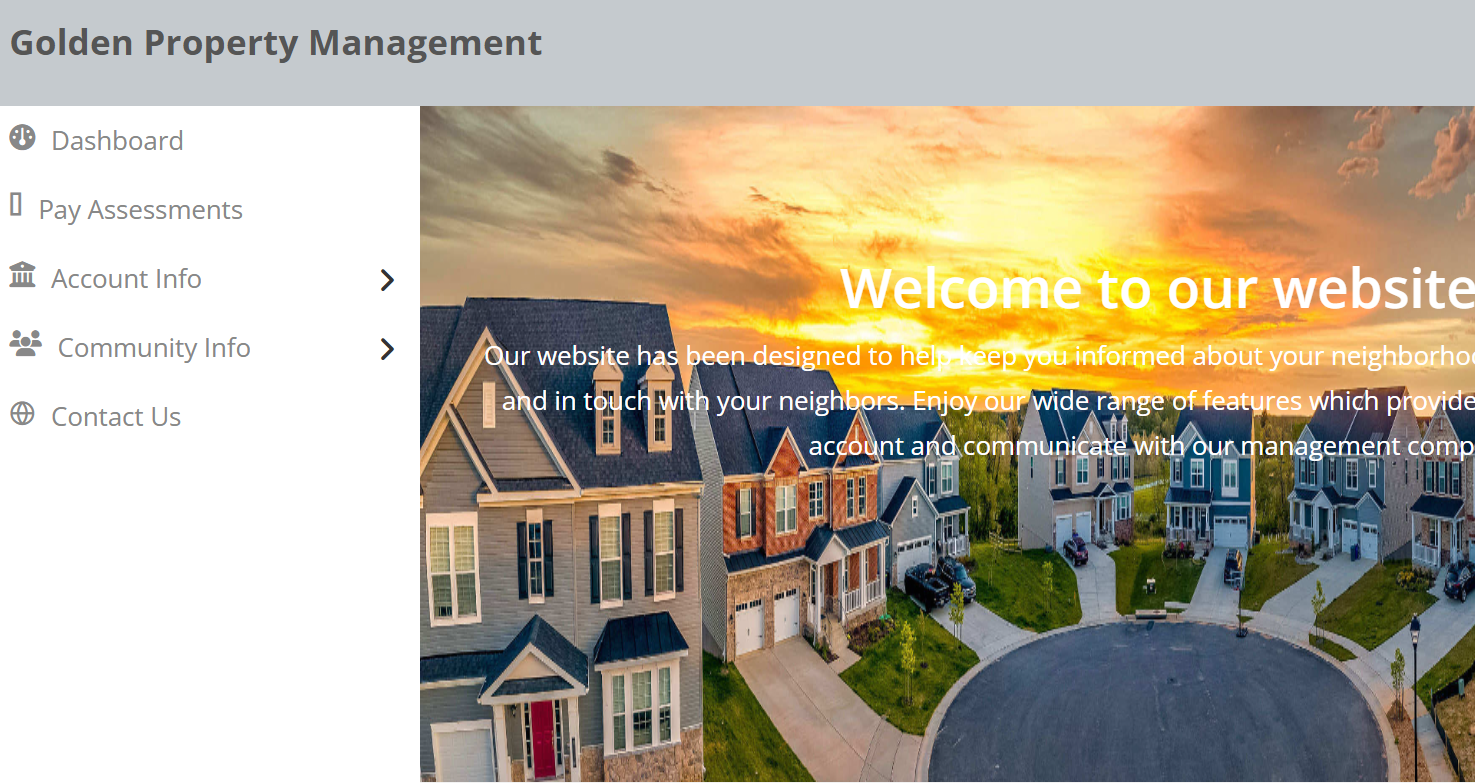
Welcome to Your CINC Homeowner Portal
Your CINC homeowner portal makes paying your Association dues simple, secure, and convenient. Whether you prefer one‑time payments or automatic drafts, the system is designed to give you full control over how and when you pay.

How to Register for Your CINC Homeowner Portal
Getting connected to your community’s online portal is quick and simple. Your CINC account gives you access to important Association information, online payments, documents, architectural requests, and more. Follow the steps below to get started.

Step‑by‑Step Registration:
1. Visit Your Community’s Portal
2. Click “Sign In”
Located in the upper right corner.
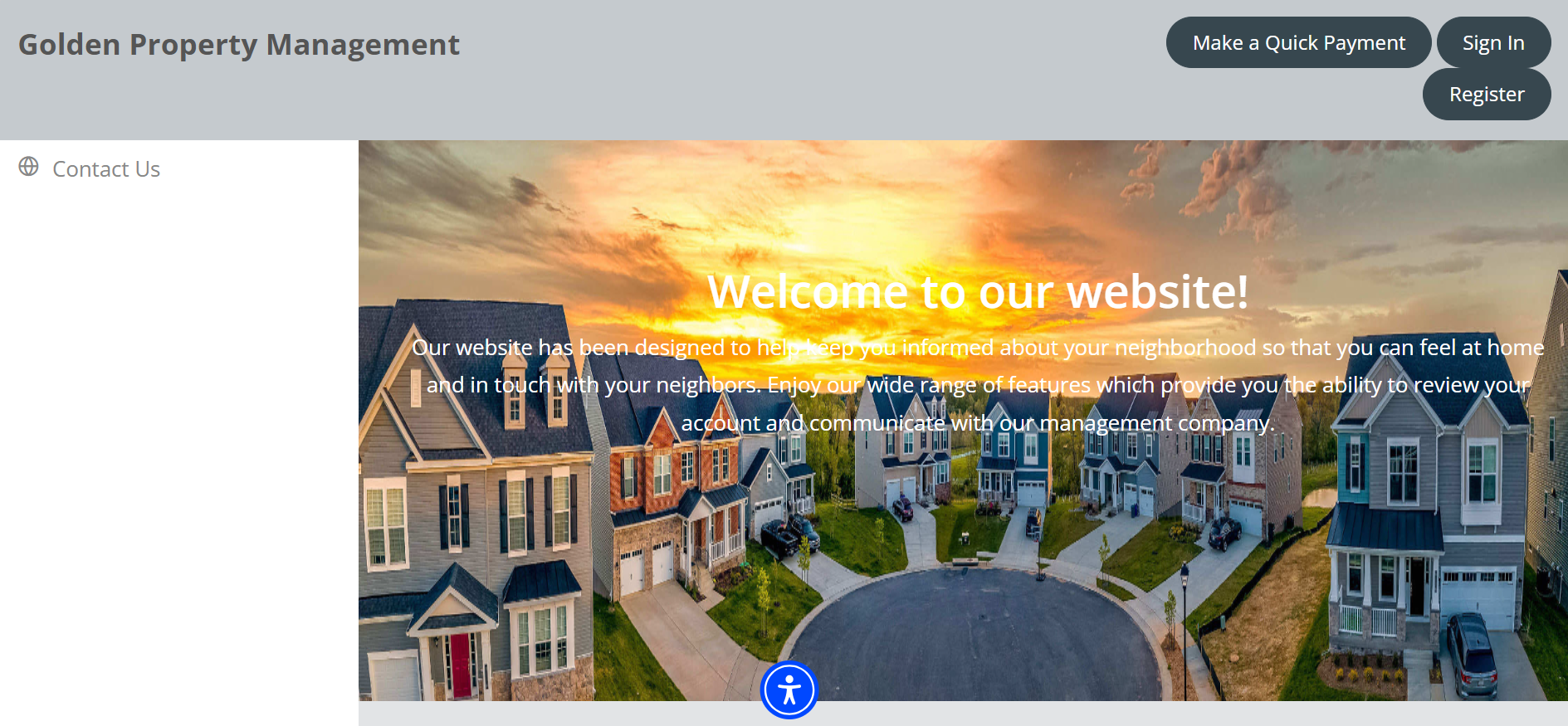
3. Select “Create Account”
This begins the registration process.
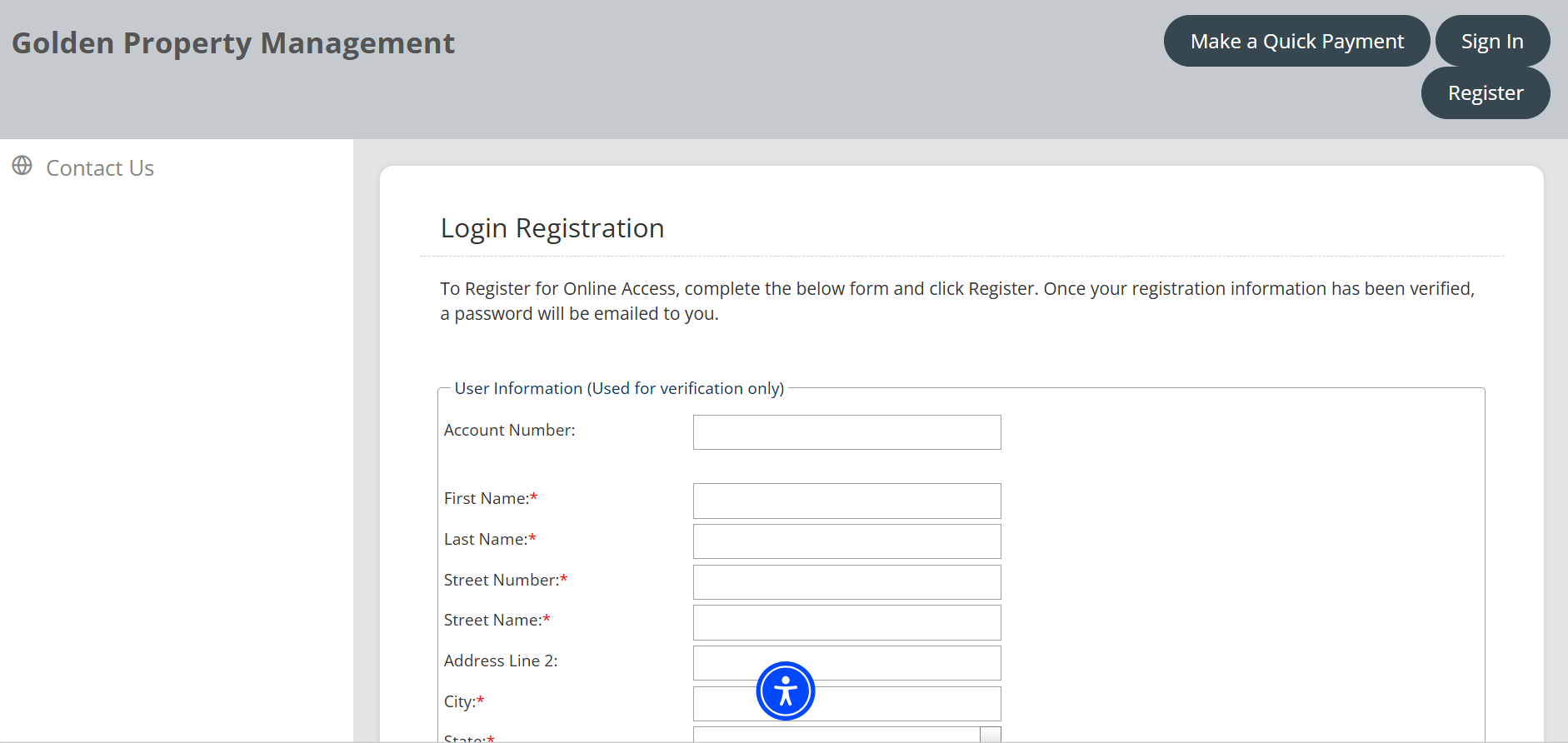
4. Complete the Registration Form.
All fields marked with a red asterisk ()* are required
Enter your property address exactly as it appears in the association records.
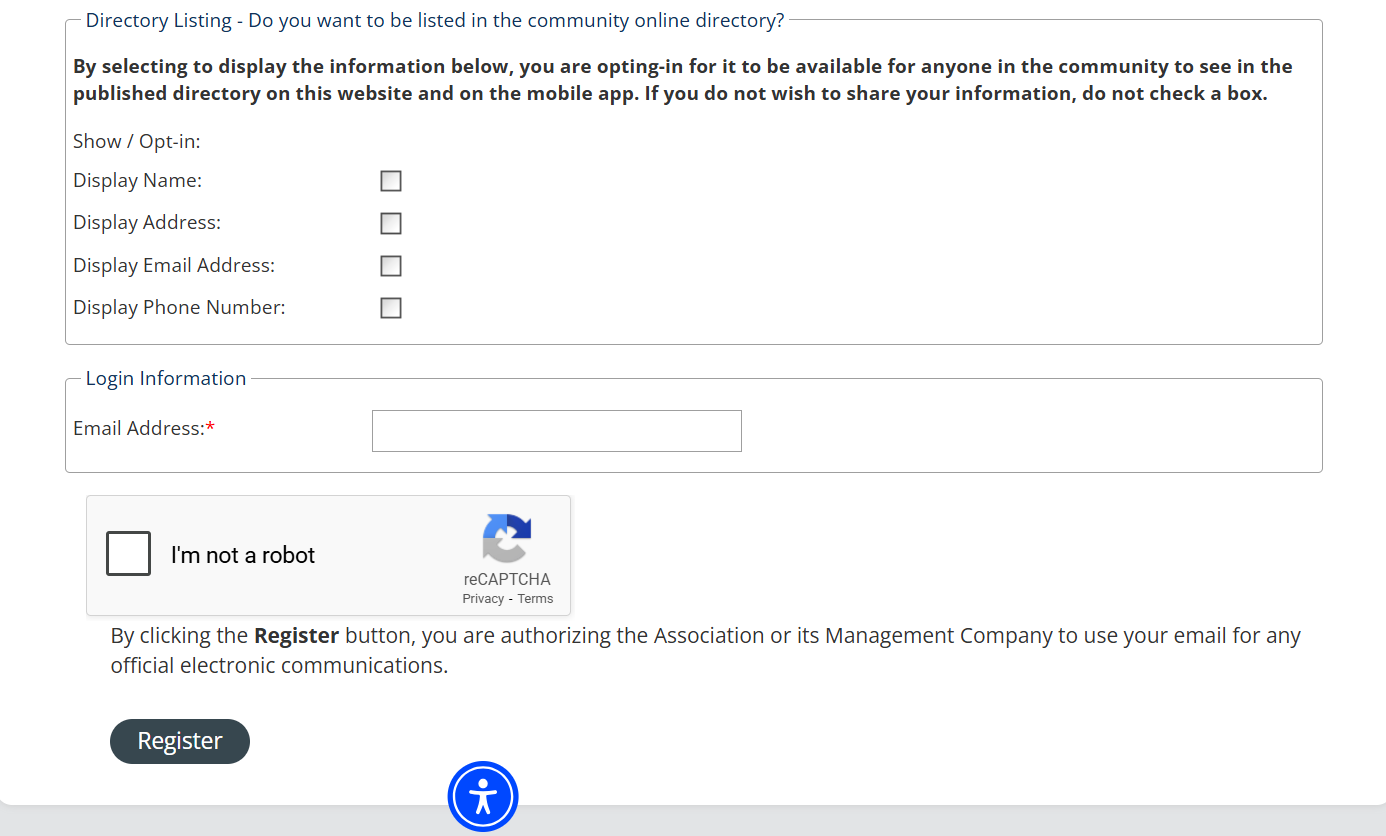
5. Submit Your Registration
Click Register to submit your registration.
6. Watch for a Confirmation Email.
You’ll receive an email from DoNotReply@cincsystems.com
This email will include a link to set your password.
7. Create Your Password & Log in
Once your password is set, return to the portal and sign in anytime.
Before You Register
To ensure a smooth setup, make sure you have:
Your property address as listed with the Association
A valid email address you check regularly
Any account or homeowner information provided by your HOA or management team
Need Help?
If you have trouble registering or logging in, Golden Property Management is here to assist. You can also refer to your Association’s welcome materials for your specific portal link and support contact.


How to Make a Payment Through CINC
Your CINC homeowner portal makes paying your Association dues simple, secure, and convenient. Whether you prefer one‑time payments or automatic drafts, the system is designed to give you full control over how and when you pay.
Step‑by‑Step Making A Payment:
1. Log in to your CINC portal
Use the username and password you created during registration.
2. Go to the “Pay Assessments” section.
This is usually located on your dashboard or in the main menu.
3. Choose your payment type
One‑time payment
Recurring/Auto‑draft payments (if your Association allows it)
4. Enter your payment information
Bank account (ACH)
Debit card
Credit card (Note: Some payment methods may include processing fees.)
5. Review your payment details.
Review your payment details.
6. Submit your payment
Once processed, you’ll receive a confirmation on the screen and by email.